
Nissan Rogue (T33) 2021-Present Service Manual: Operation
7 Inch Information Display
Operation
SWITCH NAME AND FUNCTION
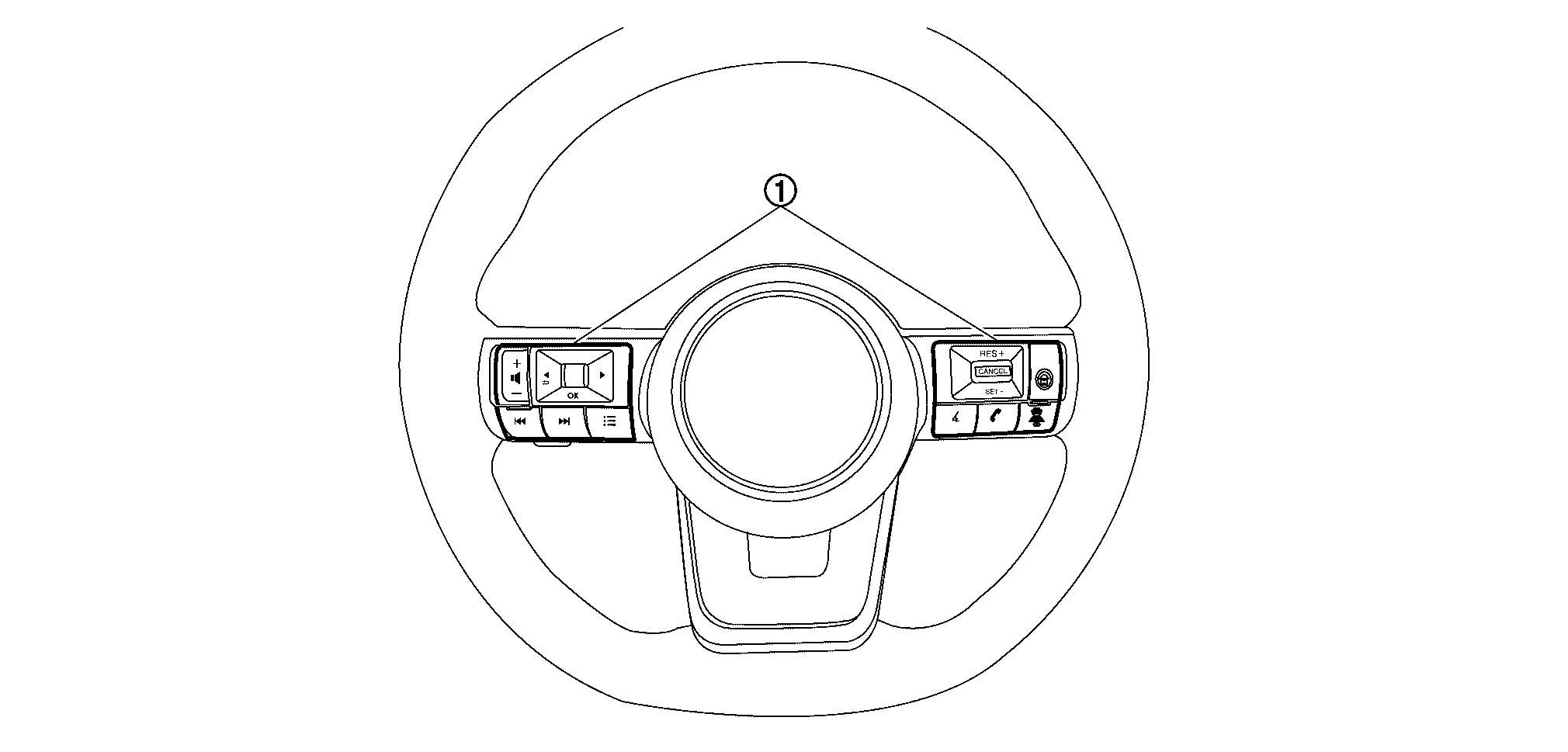
| No. | Switch name | Description |
|---|---|---|
 |
Steering switch |
|
SYSTEM DISPLAY
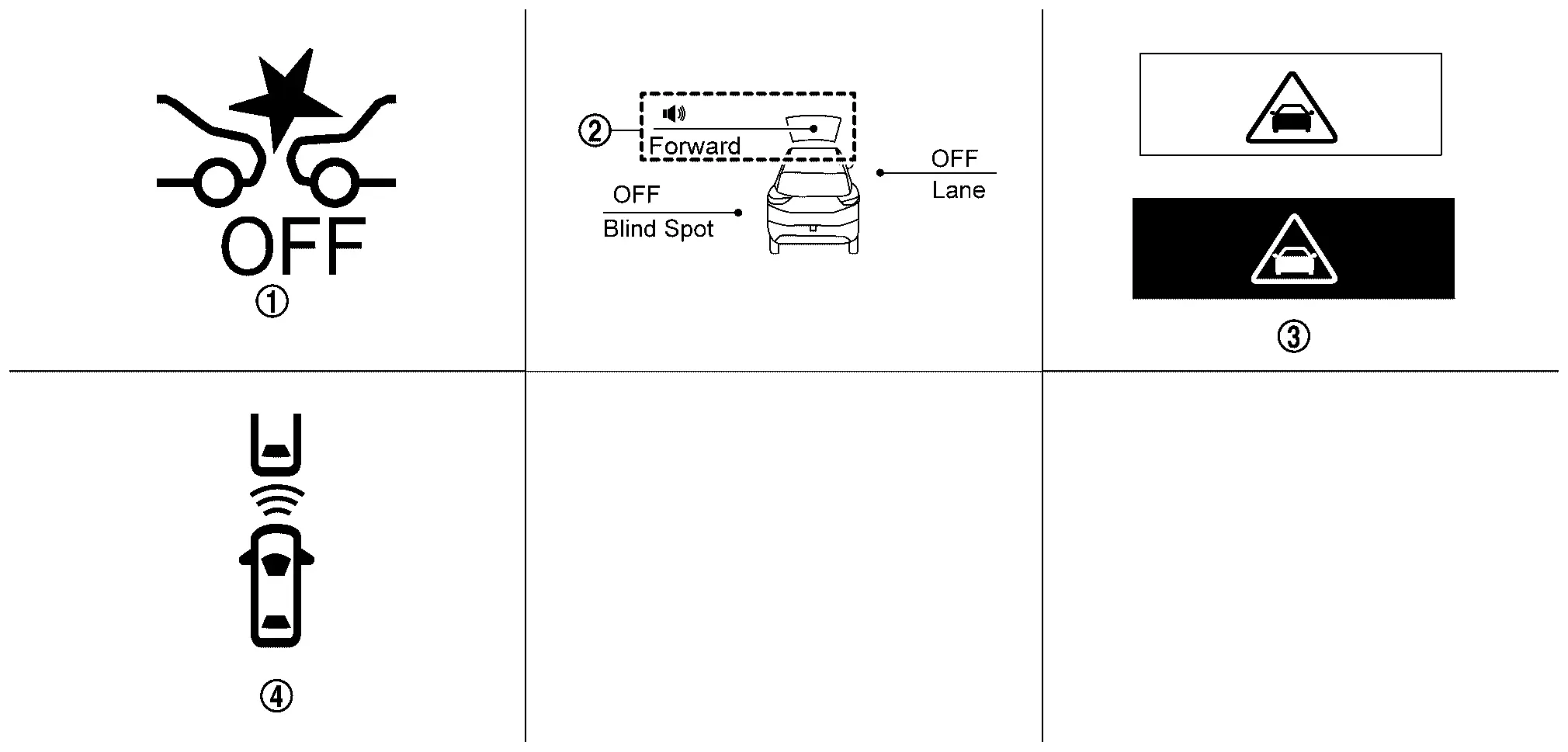
| No. | Switch name | Description |
|---|---|---|
|
AEB warning lamp |
|
 |
AEB system indicator |
|
 |
AEB warning | Displays immediately before the brake operates |
 |
Nissan Ariya Vehicle ahead indicator |
|
DISPLAY AND WARNING
System Display
| Condition | Action | Display on information display | Warning lamp | Buzzer | |
|---|---|---|---|---|---|
| AEB OFF | — |
|
ON | OFF | |
| AEB ON | There is not a possibility of a collision with the Nissan Ariya vehicle ahead | — | — | OFF | OFF |
| There is a possibility of a collision with the Nissan Ariya vehicle ahead | Operates brake (Partial) | Yellow (Blink)
|
OFF | Beep | |
|
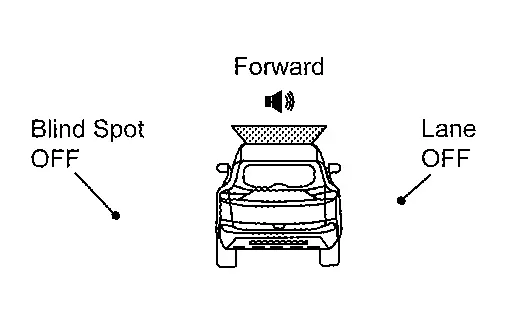
AEB system indicator: Yellow (Blink) Speaker icon: White
|
|||||
| An obstacle ahead is avoided due to the system applying braking | Operates brake (Emergency) |
Red⇔White
|
OFF | Continuous beeps | |
|
AEB system indicator: Yellow (Blink) Speaker icon: White
|
|||||
| AEB system malfunction | The AEB system is automatically canceled* |
Malfunction See Owner's Manual |
ON | Beep | |
| Dirt around the distance sensor | The AEB system is automatically canceled* |
Forward Driving Aids temporarily disabled Front Sensor blocked See Owner's Manual |
ON | OFF | |
| Front camera unit high temperature | The FEB system is automatically canceled* | Driving Aids temporarily limited Front Camera Too Hot | ON | OFF | |
| The windshield is dirty, frosted, fogged up, or damaged in front of the front camera unit | The FEB system is automatically canceled* | Forward Driving Aids temporarily disabled Front Camera blocked See Owner's Manual | ON | OFF | |
|
The FEB system is automatically canceled* | Driving Aids Temporarily limited Poor Visibility | ON | OFF | |
| When the distance sensor picks up interference from another radar source | The FEB system is automatically canceled* | Driving Aids Temporarily limited Radar interference | ON | OFF | |
|
The FEB system is automatically canceled* | Driving Aids temporarily limited | ON | OFF | |
| When the VDC is turned OFF | The FEB system is automatically canceled* | Limited driver’s aid VDC setting OFF | ON | OFF | |
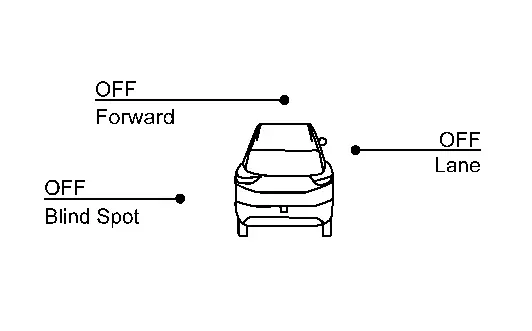
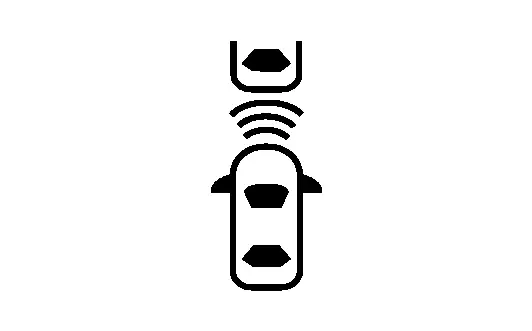
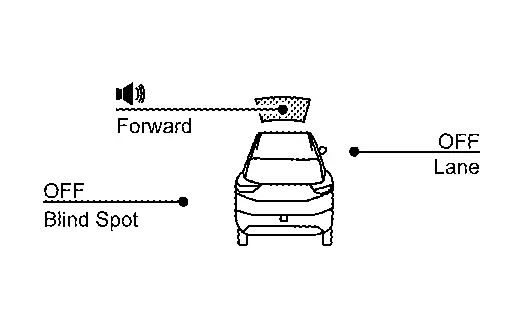
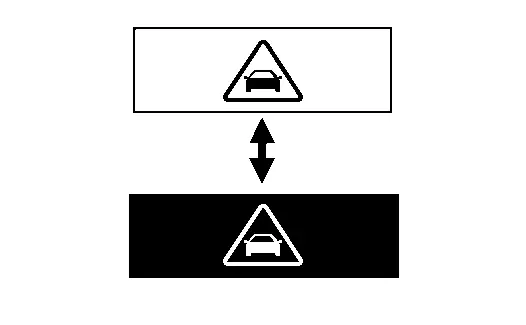
*: The system operates if the ignition switch is turned OFF⇒ON after the condition improves
Full Tft Meter
Operation
SWITCH NAME AND FUNCTION
| No. | Switch name | Description |
|---|---|---|
|
Steering switch |
|
SYSTEM DISPLAY
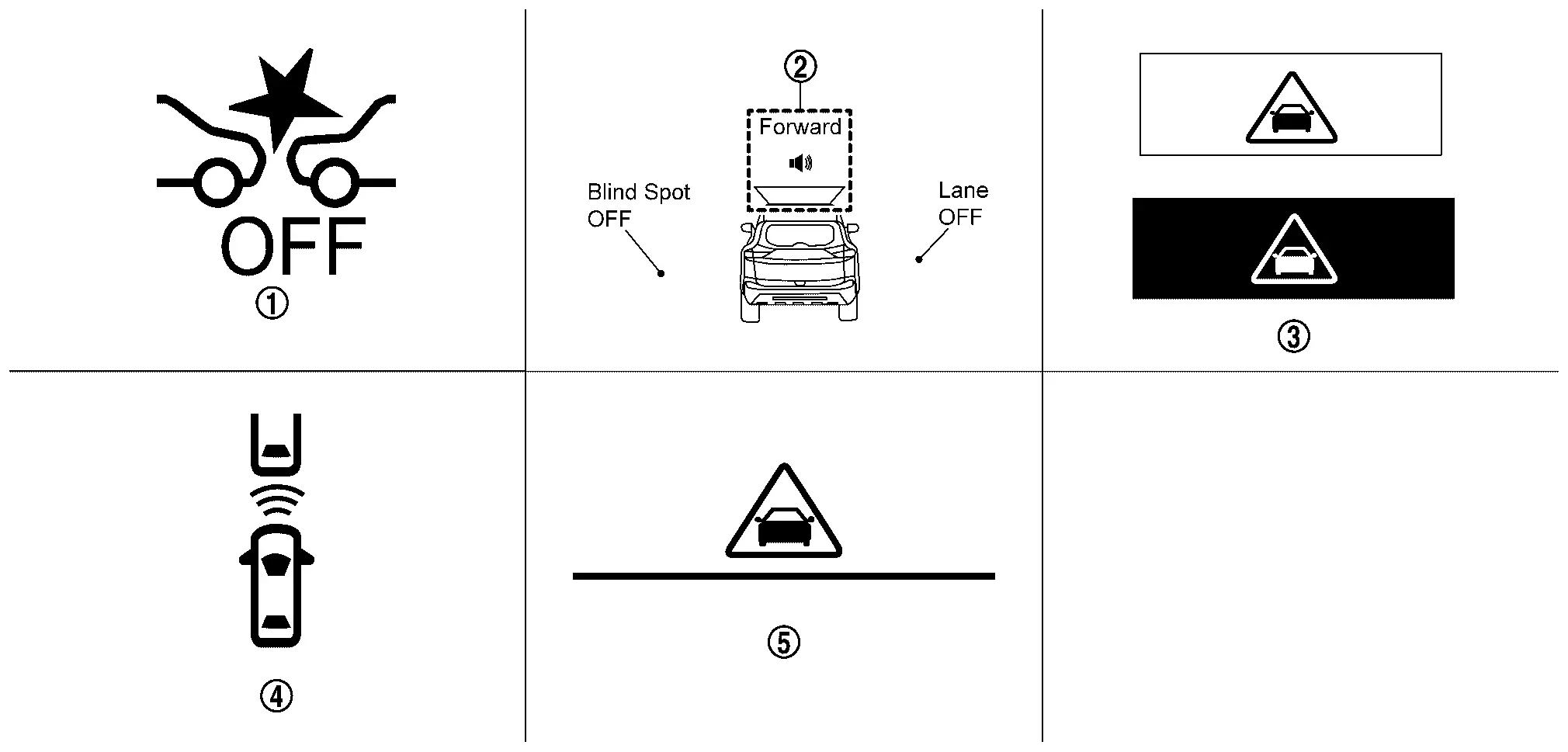
| No. | Switch name | Description |
|---|---|---|
|
AEB warning lamp |
|
|
AEB system indicator |
|
|
AEB warning (Information display) |
Displays immediately before the brake operates |
|
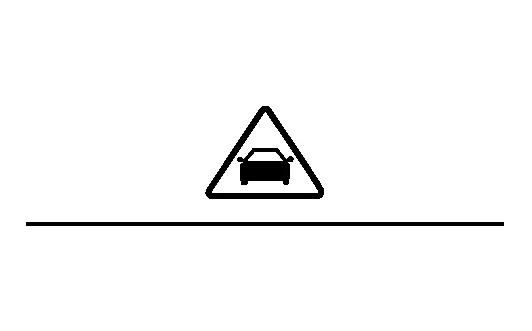
Nissan Ariya Vehicle ahead indicator |
|
 |
AEB warning (Head Up Display) |
Displays immediately before the brake operates |
DISPLAY AND WARNING
System Display
| Condition | Action | Display on information display | Display on Head Up Display (If equipped) | Warning lamp | Buzzer | |
|---|---|---|---|---|---|---|
| AEB OFF | — |
|
— | ON | OFF | |
| AEB ON | There is not a possibility of a collision with the Nissan Ariya vehicle ahead | — | — | — | OFF | OFF |
| There is a possibility of a collision with the Nissan Ariya vehicle ahead | Operates brake (Partial) | Yellow (Blink)
|
— | OFF | Beep | |
|
AEB system indicator: Yellow (Blink) Speaker icon: White
|
||||||
| An obstacle ahead is avoided due to the system applying braking | Operates brake (Emergency) |
Red⇔White
|
Red⇔White
|
OFF | Continuous beeps | |
|
AEB system indicator: Yellow (Blink) Speaker icon: White
|
||||||
| AEB system malfunction | The AEB system is automatically canceled* |
Malfunction See Owner's Manual |
— | ON | Beep | |
| Dirt around the distance sensor | The AEB system is automatically canceled* |
Forward Driving Aids temporarily disabled Front Sensor blocked See Owner's Manual |
— | ON | OFF | |
| Front camera unit high temperature | The FEB system is automatically canceled* | Driving Aids temporarily limited Front Camera Too Hot | — | ON | OFF | |
| The windshield is dirty, frosted, fogged up, or damaged in front of the front camera unit | The FEB system is automatically canceled* | Forward Driving Aids temporarily disabled Front Camera blocked See Owner's Manual | — | ON | OFF | |
|
The FEB system is automatically canceled* | Driving Aids Temporarily limited Poor Visibility | — | ON | OFF | |
| When the distance sensor picks up interference from another radar source | The FEB system is automatically canceled* | Driving Aids Temporarily limited Radar interference | — | ON | OFF | |
|
The FEB system is automatically canceled* | Driving Aids temporarily limited | — | ON | OFF | |
| When the VDC is turned OFF | The FEB system is automatically canceled* | Limited driver’s aid VDC setting OFF | — | ON | OFF | |
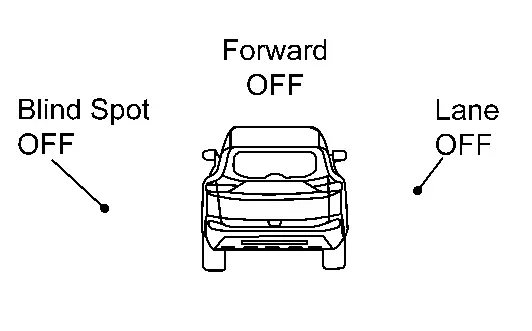
*: The system operates if the ignition switch is turned OFF⇒ON after the condition improves
Other materials:
Dtc/circuit Diagnosis. U2148-87 Can Comm Err (brake Control Unit)
DTC Description
DESCRIPTIONCAN (Controller Area Network) is a serial
communication line for real time applications. It is an on-Nissan Ariya
vehicle multiplex communication line with high data communication speed
and excellent error detection ability. Modern Nissan Ariya vehicle is
equipped ...
P04f1 Evap System Purge Line
DTC Description
DTC DETECTION LOGIC DTC
CONSULT screen terms
(Trouble diagnosis content)
DTC detection condition
P04F1
00
EVAP system purge line
(EVAP System Purge Line Performance)
Diagnosis condition
During fuel cut after engine warm-up
Signal (terminal)
Mass ai ...
Precaution. Precautions
Precaution for Supplemental Restraint System (SRS) "AIR BAG" and "SEAT BELT PRE-TENSIONER"
The Supplemental Restraint System such as “AIR BAG� and “SEAT BELT
PRE-TENSIONER�, used along with a front seat belt, helps to reduce the
risk or severity of injury to the driver and front passeng ...